48 GB RAM, 0.08ms NVMe, Yet Explorer Lagged: 32 Injected DLLs & 28 Icon Overlays
#Windows 11#Shell Extensions#Profiling#OS Tuning
Hardware Ruled Out First
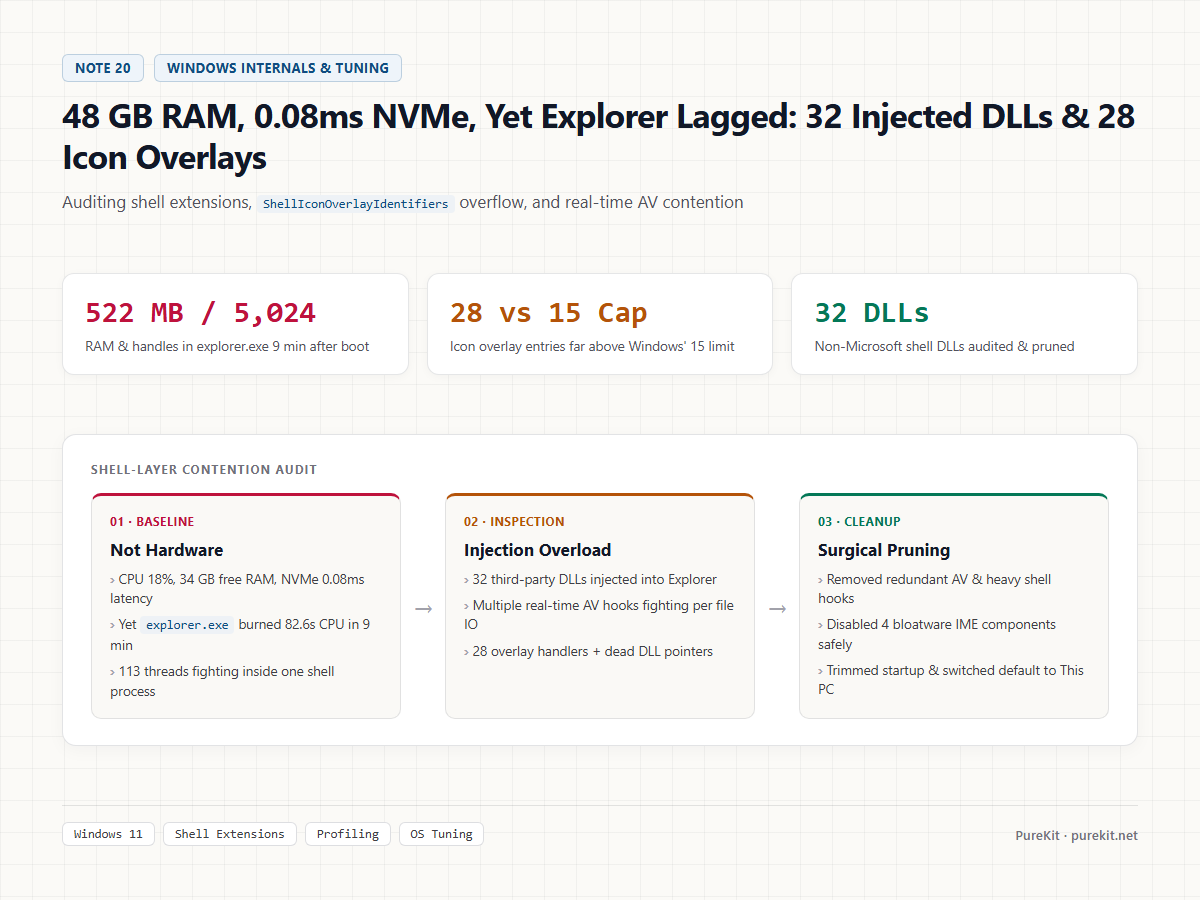
A Windows 11 workstation with 48 GB RAM (34 GB free), 18% CPU usage, and an NVMe SSD averaging 0.08 ms latency still felt sluggish inside File Explorer minutes after boot.
Within just 9 minutes of startup, explorer.exe had already consumed 522.7 MB RAM, 82.6 seconds of CPU, 5,024 handles, and 113 threads.
What Was Choking the Shell
- 32 non-Microsoft DLLs injected into
explorer.exe: Multiple third-party utilities, archive previews, and input-method add-ons hooked directly into the shell process. - Icon overlay overflow (28 vs 15 cap):
ShellIconOverlayIdentifierscontained 28 entries—nearly double Windows’ hard limit of 15—including orphaned entries pointing to deleted DLLs. - Overlapping real-time AV hooks: Redundant real-time scanners intercepted every file read simultaneously, burning 166+ seconds of CPU right after boot.
- Window-hook utilities & Home view: A background tab-hook tool burned 355s CPU/day while Explorer’s default Home view scanned recent/cloud entries on every window open.
Surgical Cleanup
Removing redundant real-time protectors, pruning heavy shell extensions and 4 bloatware IME sub-components (while keeping core typing intact), trimming startup entries, and defaulting Explorer to This PC restored instant responsiveness.
Enjoyed this note or seen a similar bug?
Feel free to drop a line—always glad to exchange ideas with fellow engineers.